Alex Hayes - Bronze Arts Award Joureny
Welcome to my Blog!
Hi, my name is Alex, and for my Arts Award Journey, I will be creating a YouTube channel about gaming. It will include me streaming the games I play. Throughout this journey, I will learn how to set up cameras, lighting, and edit my videos. I will be logging my journey along the way.
VIDEO 1 - Arts Award Journey
Part A
Explore
•
Arts
•
As A Participant
•
Explore • Arts • As A Participant •

IMAGE 1 - Arts Award Plan
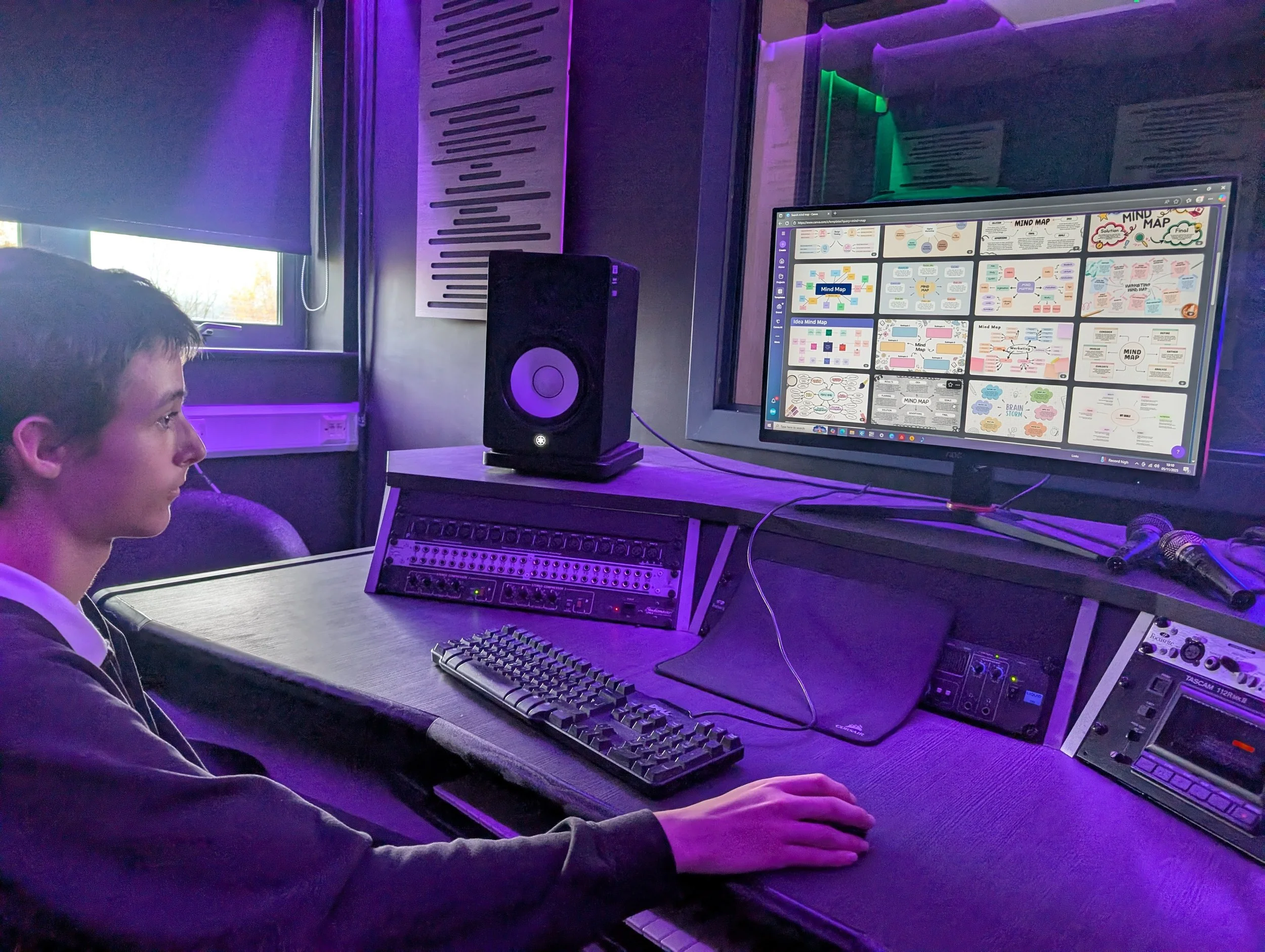
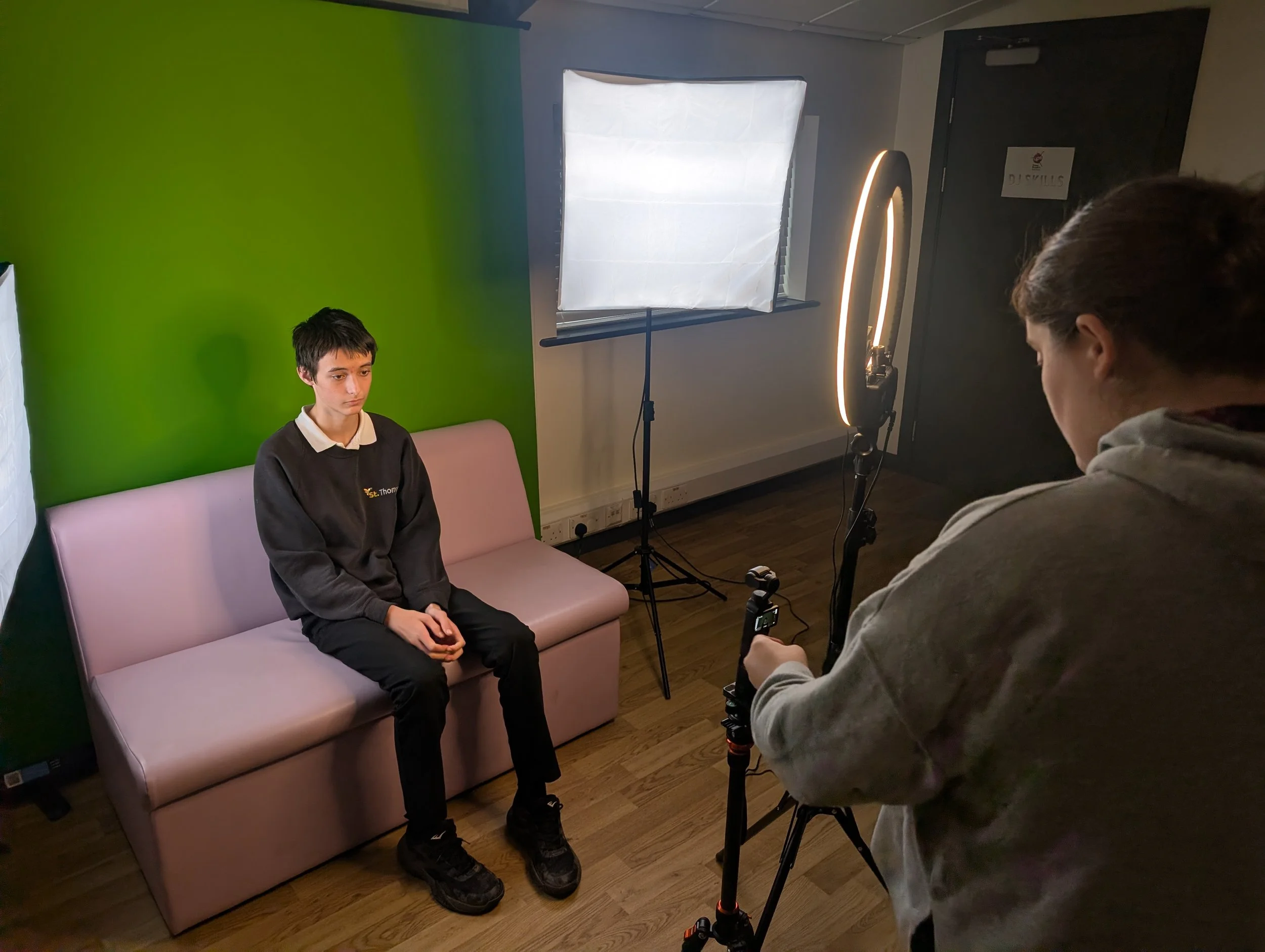
To start my journey, I have been exploring different editing software. I have used Canva to create my journey mindmap and get familiar with the software. I have also used Canva to explore different logo designs for my YouTube channel. I learnt about lighting and set up when recording my interview. I set up the camera and placed the lights where I wanted them, learning about how they can affect the contrast.
BLOG 1
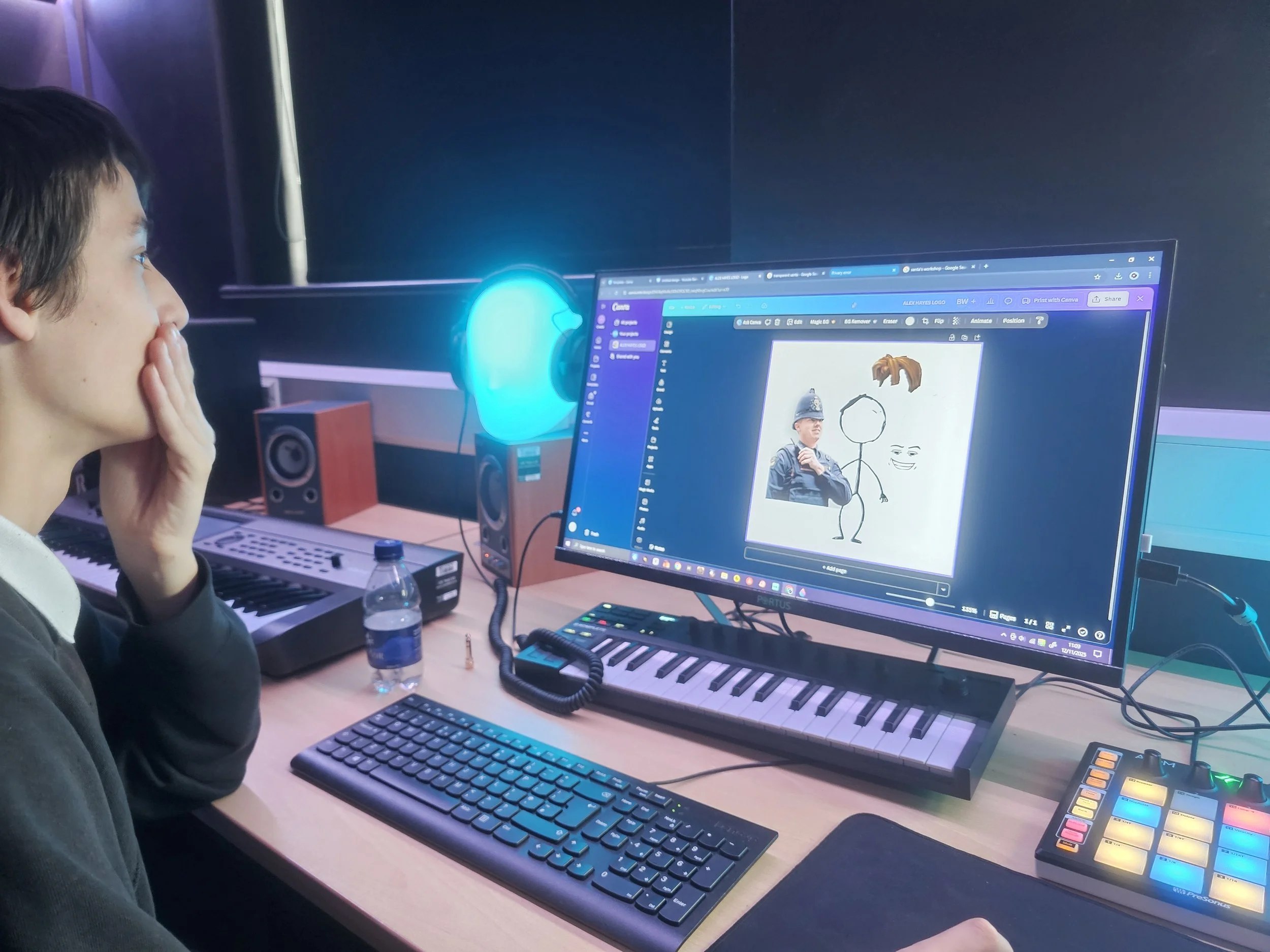
To become a YouTube streamer, I have been learning all the stuff that needs to be done in the background to develop myself as a brand. With my tutors, I have been exploring the importance of a logo and how to create one. Making sure it is eye-catching and that it represents me well.
BLOG 2
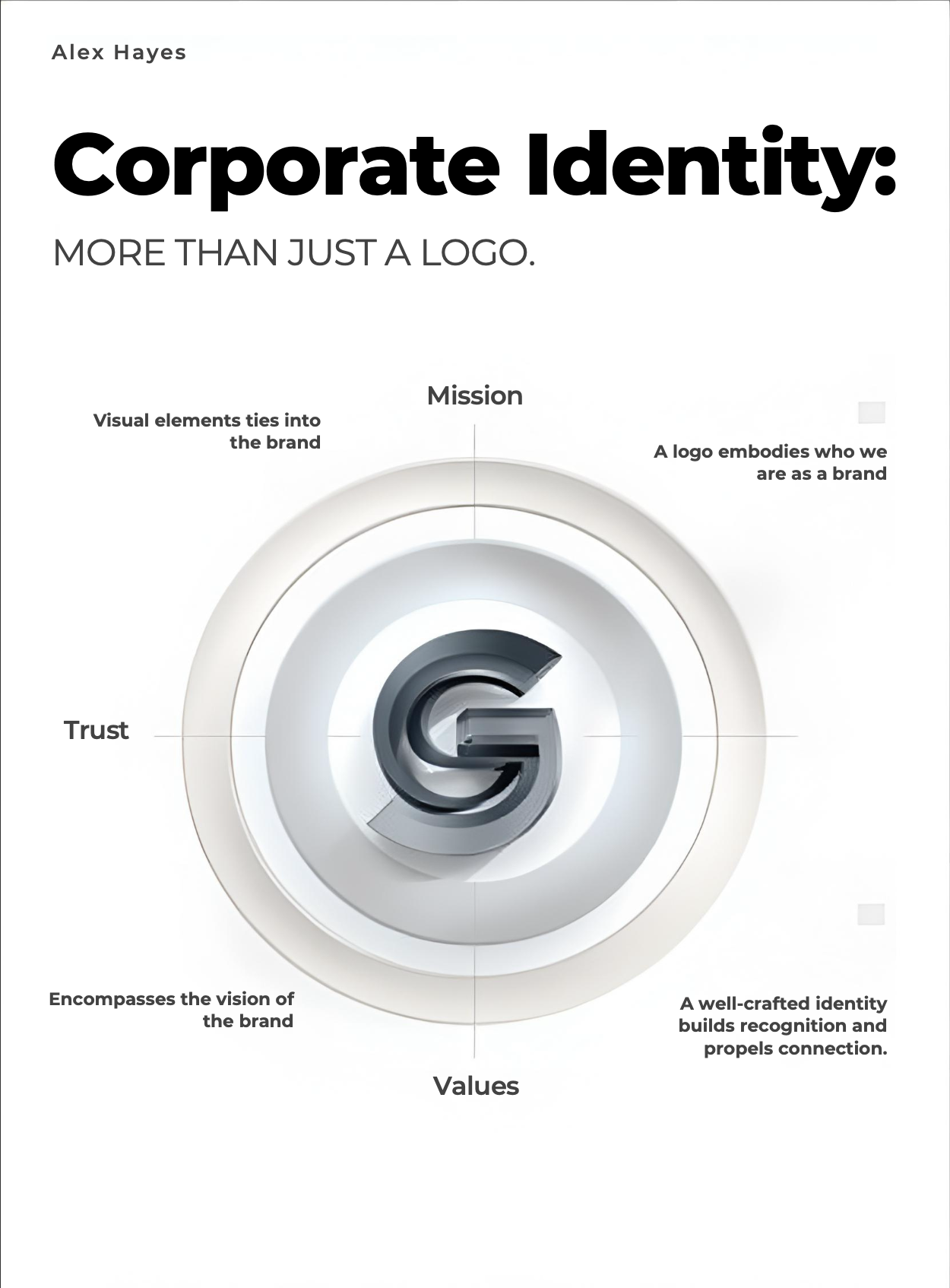
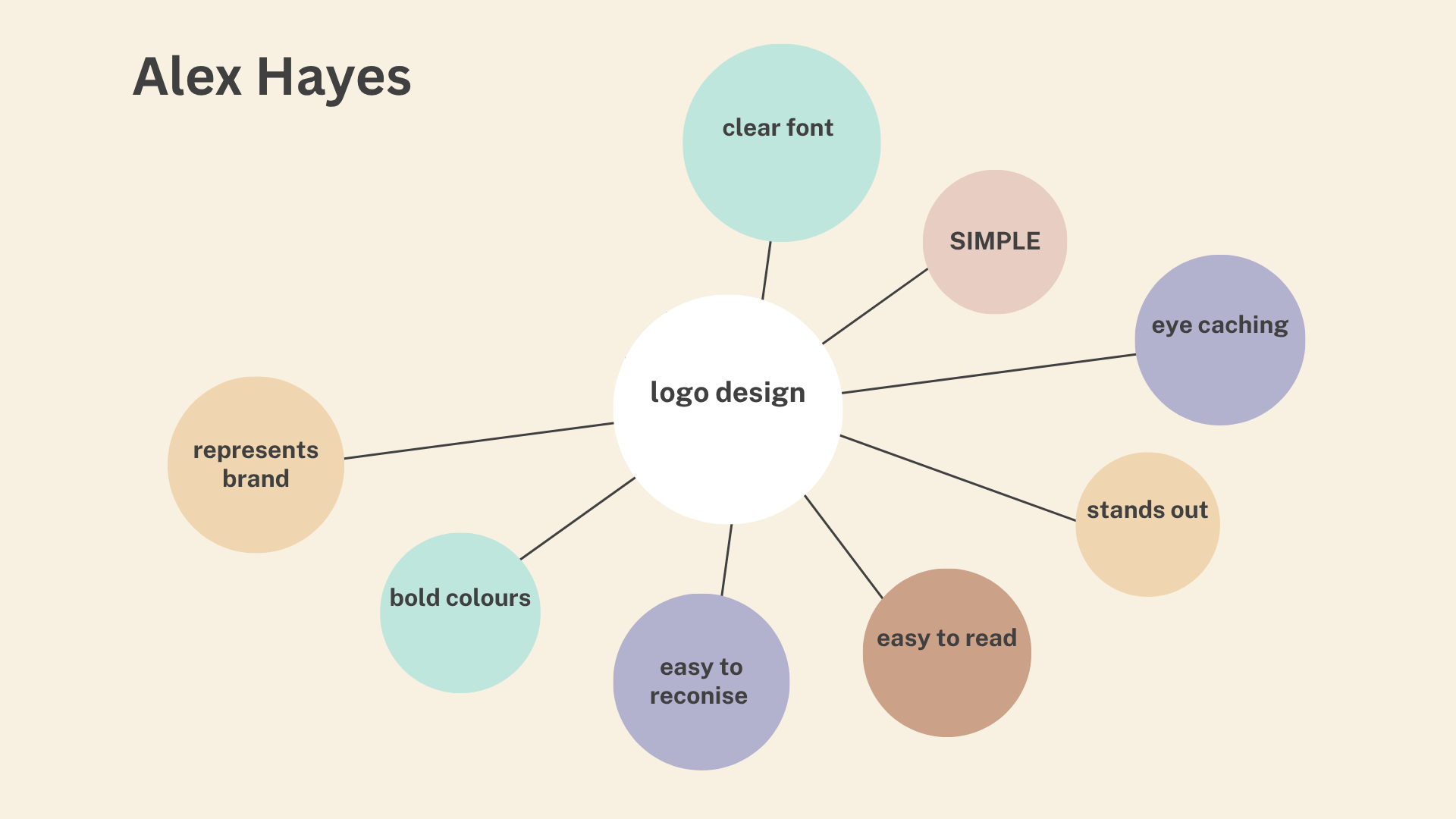
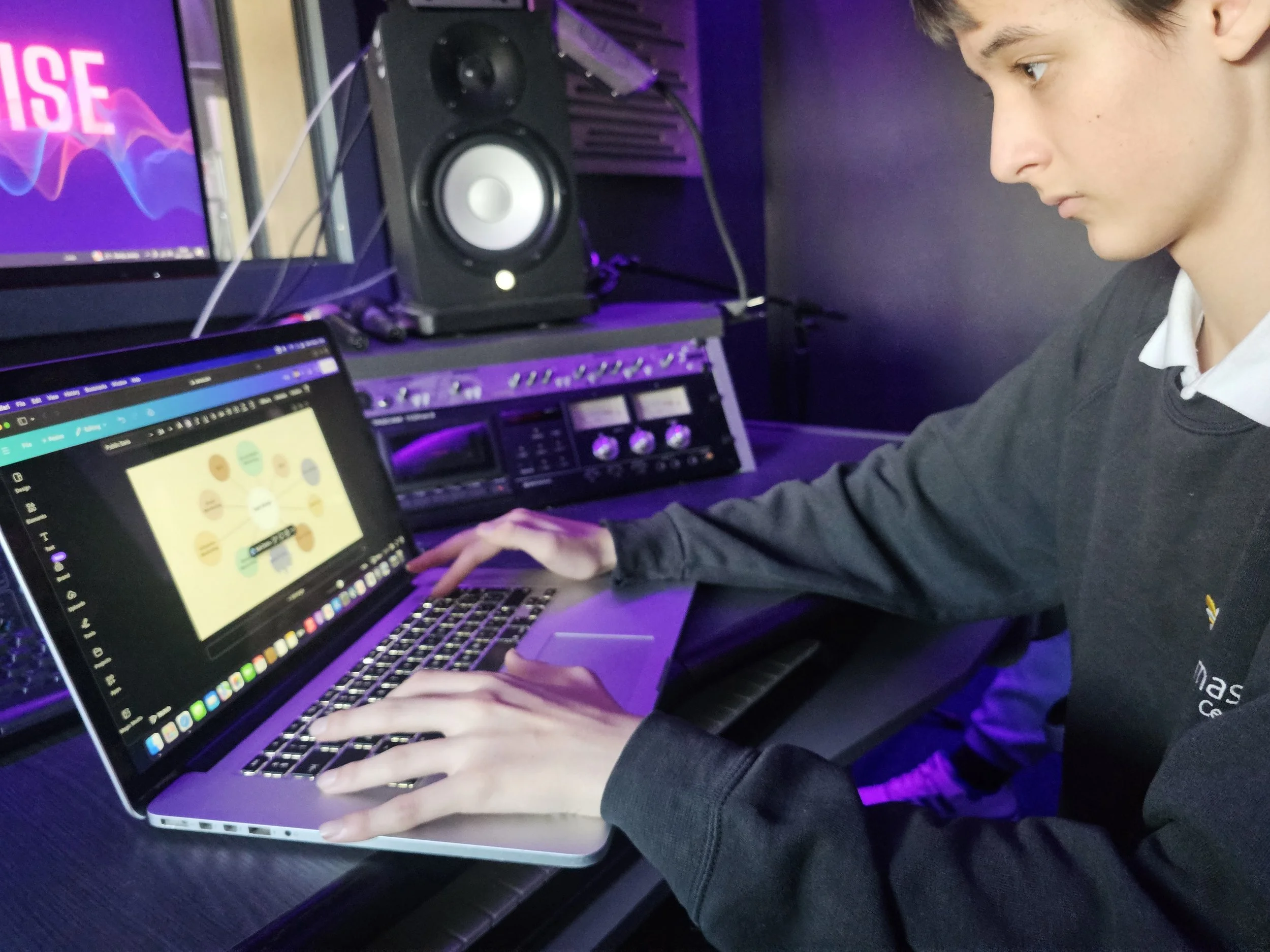
IMAGE 4 - USING CANVA
IMAGE 3 - Logo Design
IMAGE 2 - Corporate Identity
VIDEO 2 - Plan
Streaming Plan
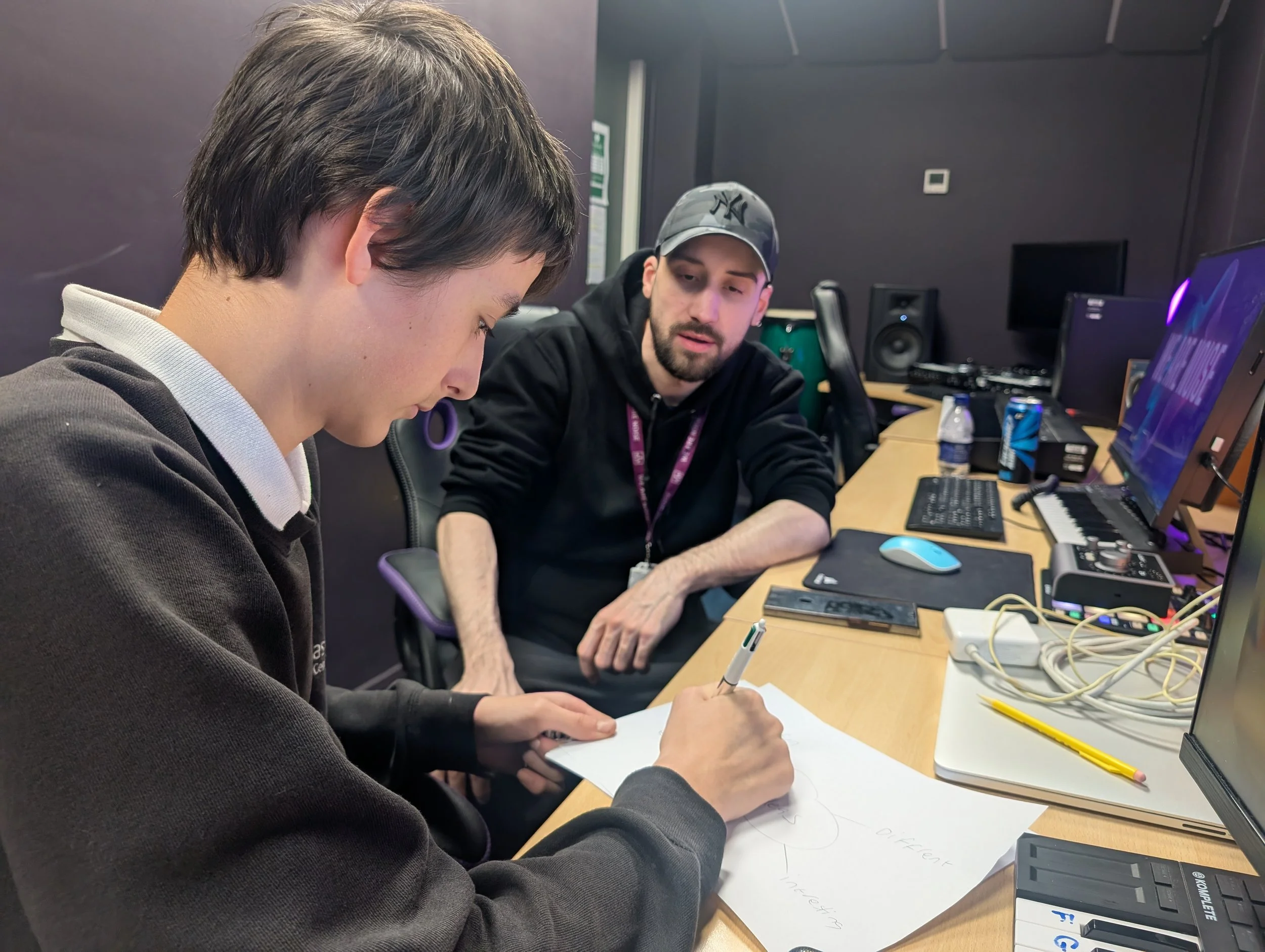
I have sat with my tutor and used Canva to lay out a clear idea of what I want my videos to look like. I broke it down into sections, this helped my express my ideas, and help the people working with me understand my vision.
BLOG 3
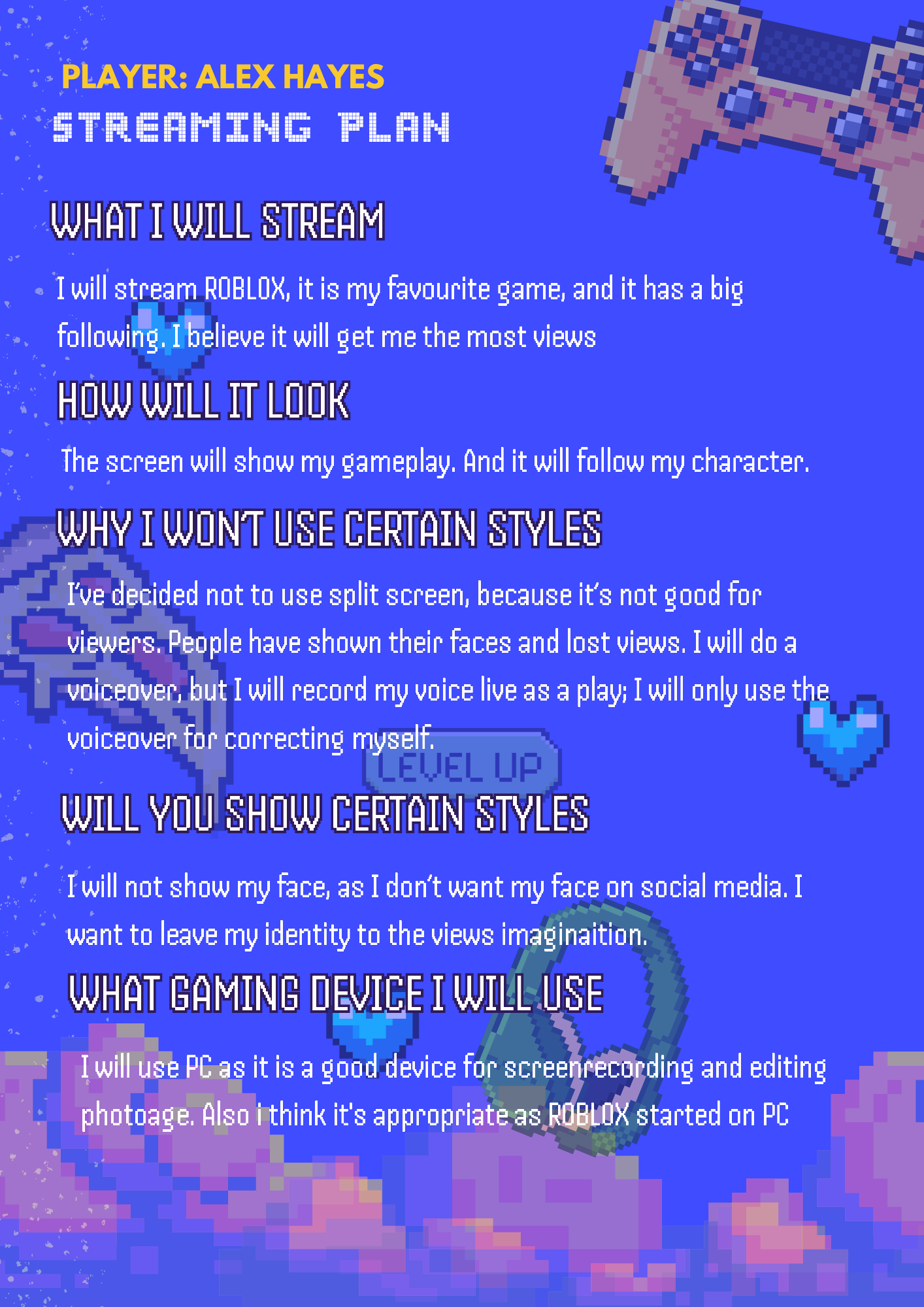
IMAGE 5 - STREAMING PLAN
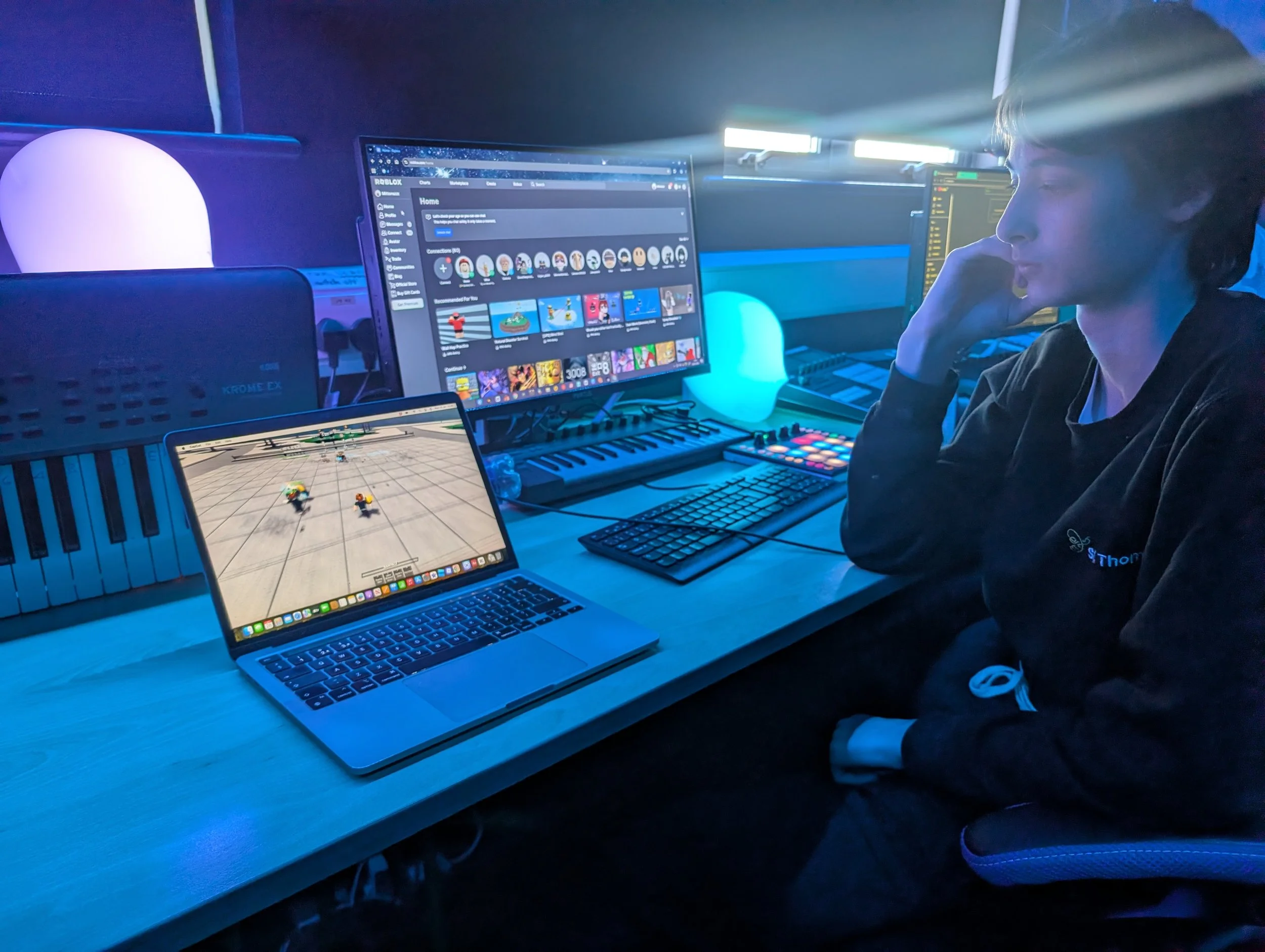
IMAGE 6 - EDITING
STREAM IT
*
STREAM IT *
VIDEO 3 - EDITING
Understanding video editing on CapCut
Lately, I’ve been diving into CapCut to level up my editing skills for my Arts Award. I started by screen-recording some Roblox gameplay and bringing it into the editor to experiment with the different tools. I’ve now got the hang of importing my own videos and custom sounds, as well as the essentials like trimming and cropping clips to get the timing just right. I also practiced adding transitions to make the cuts flow better and used text overlays to give the video more personality. It’s been great to see how much more professional the footage looks once you start layering these techniques.
BLOG 4
Part B
Experience the Arts as an Audience Member
Part C - Artist Inspiration
Description
Description